
Friars-YYZ asked over 1 year ago
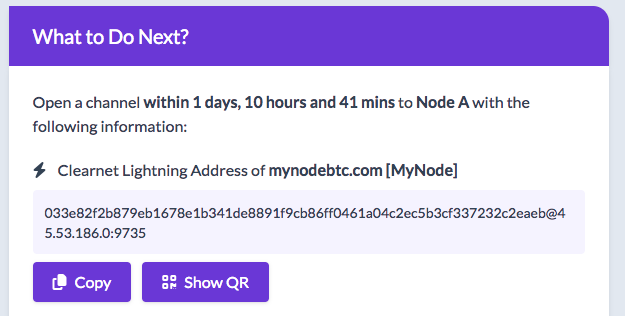
The COPY button that copies either the clearnet or tor address always PREPENDS a couple of blank (or invisible) characters in front of the address, so when pasted to LN fails to open the channel
11 Comments
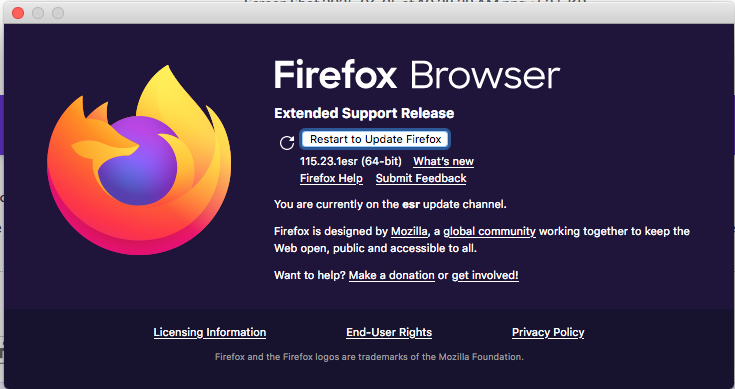
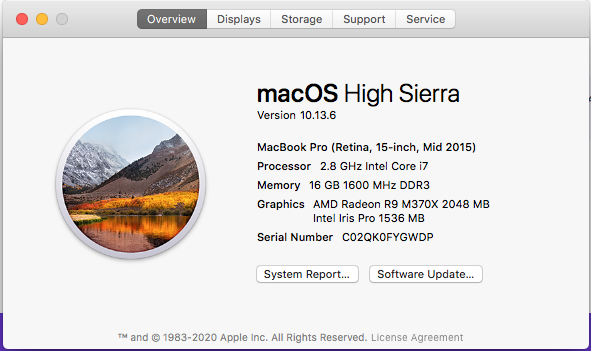
Thanks for reporting the error! I can't seem to reproduce this error on my environment. What OS and browser are you using please? Thank you!
Friars-YYZ wrote over 1 year ago
Friars-YYZ wrote over 1 year ago
I can try with Safari or Chrome and report back to you.

LN+ Admin wrote over 1 year ago
Thank you! I will test on FF. Please test on Safari at least and report.
Friars-YYZ wrote over 1 year ago
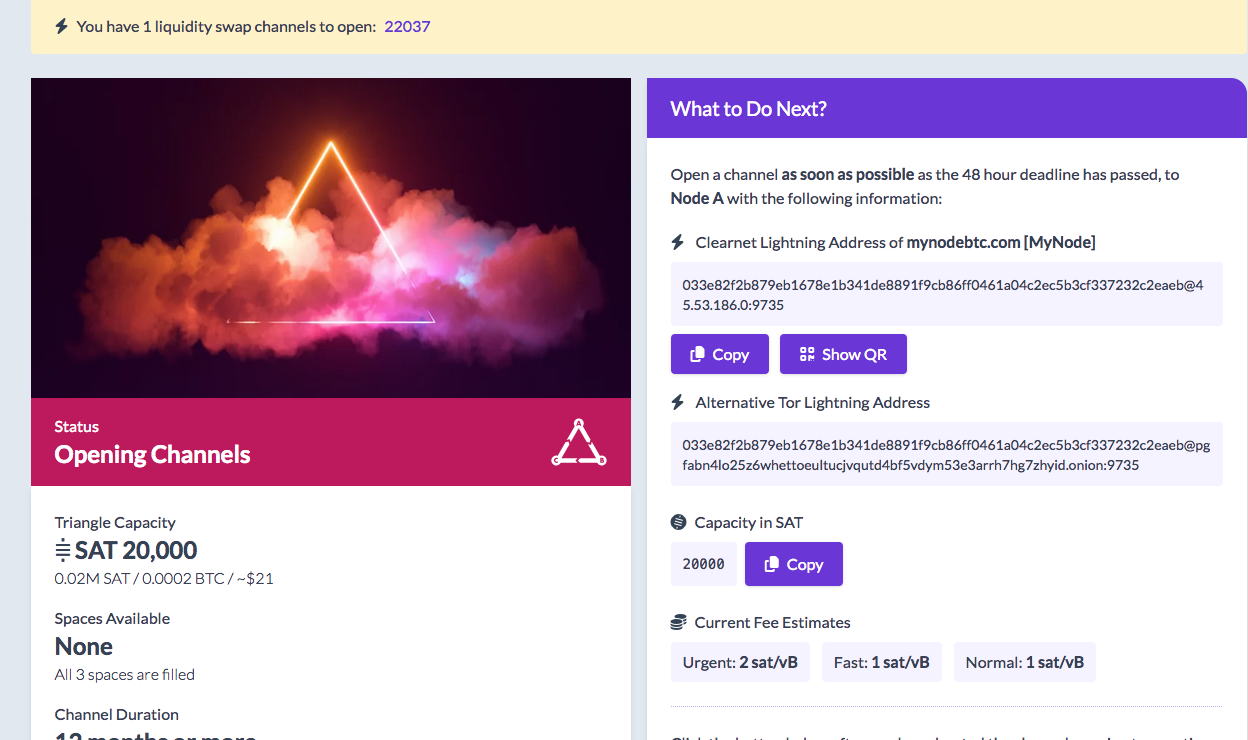
Here are the results of my test. It seems that Safari and Chrome (but likely Firefox) would work if copied after displaying the full page of the node.
like this one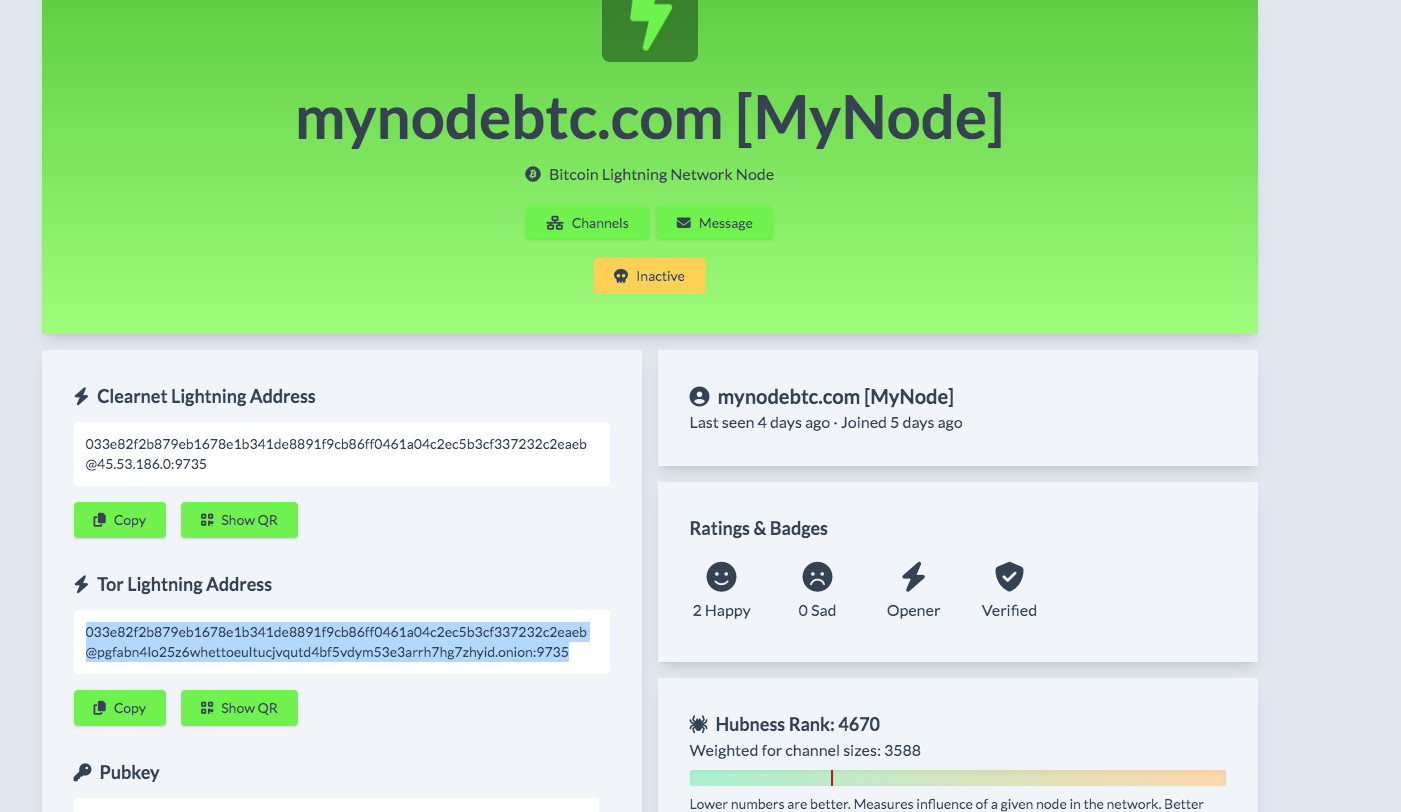
like this one
Friars-YYZ wrote over 1 year ago
However it does not work if you copy fro here (using firefox)
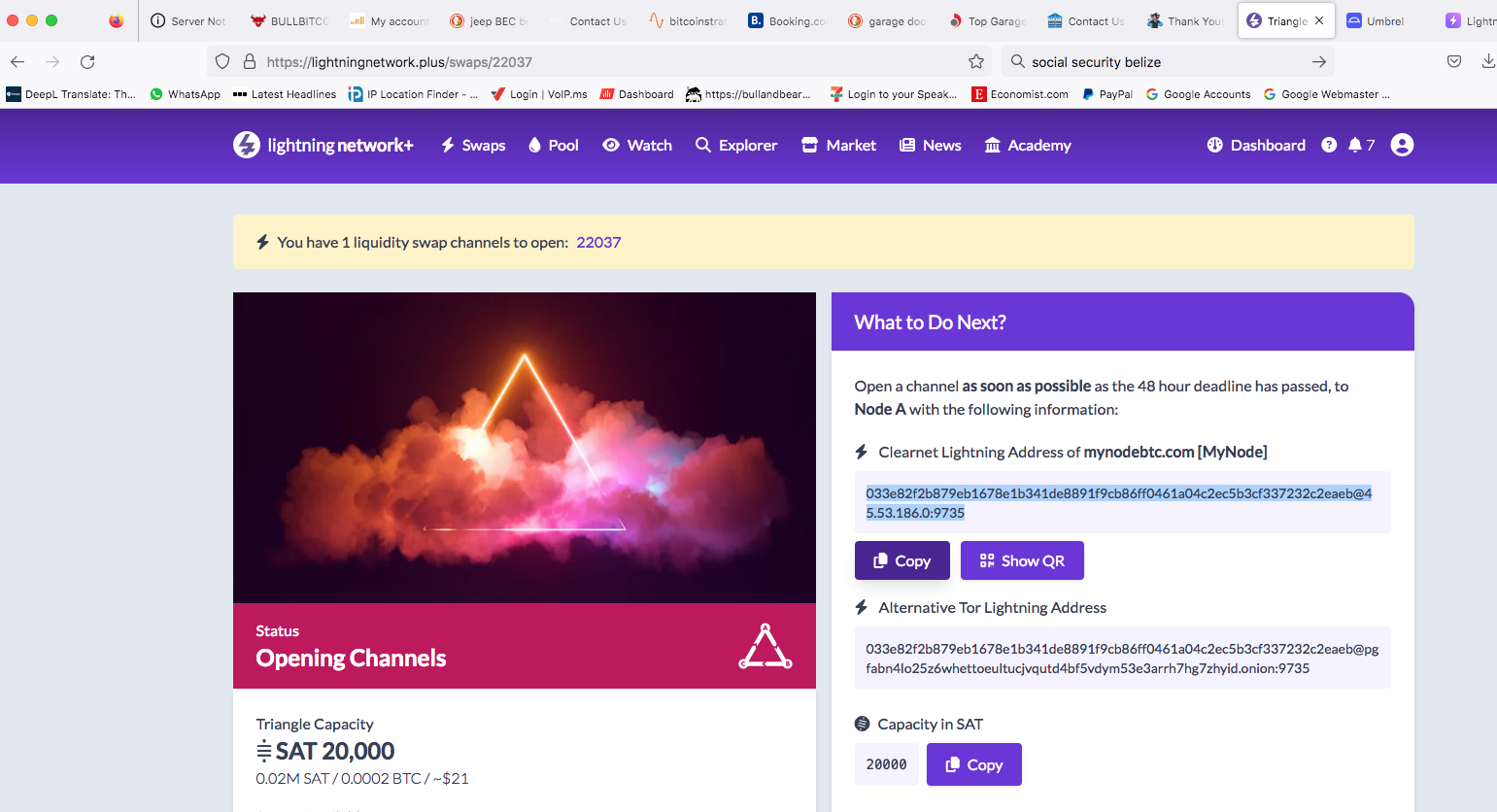
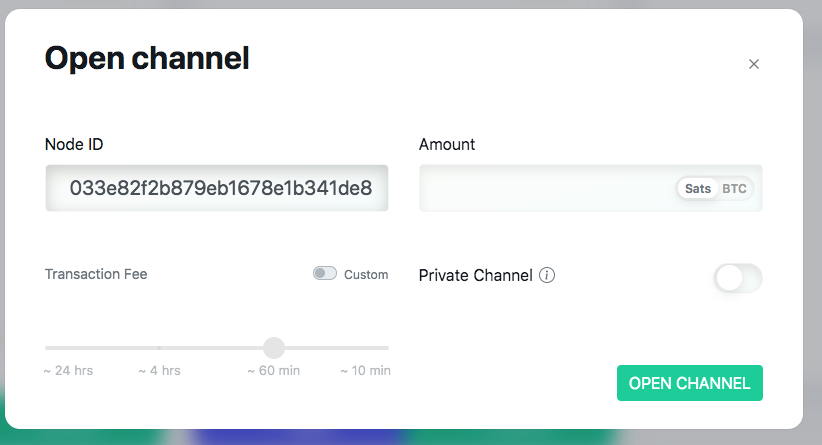
Friars-YYZ wrote over 1 year ago
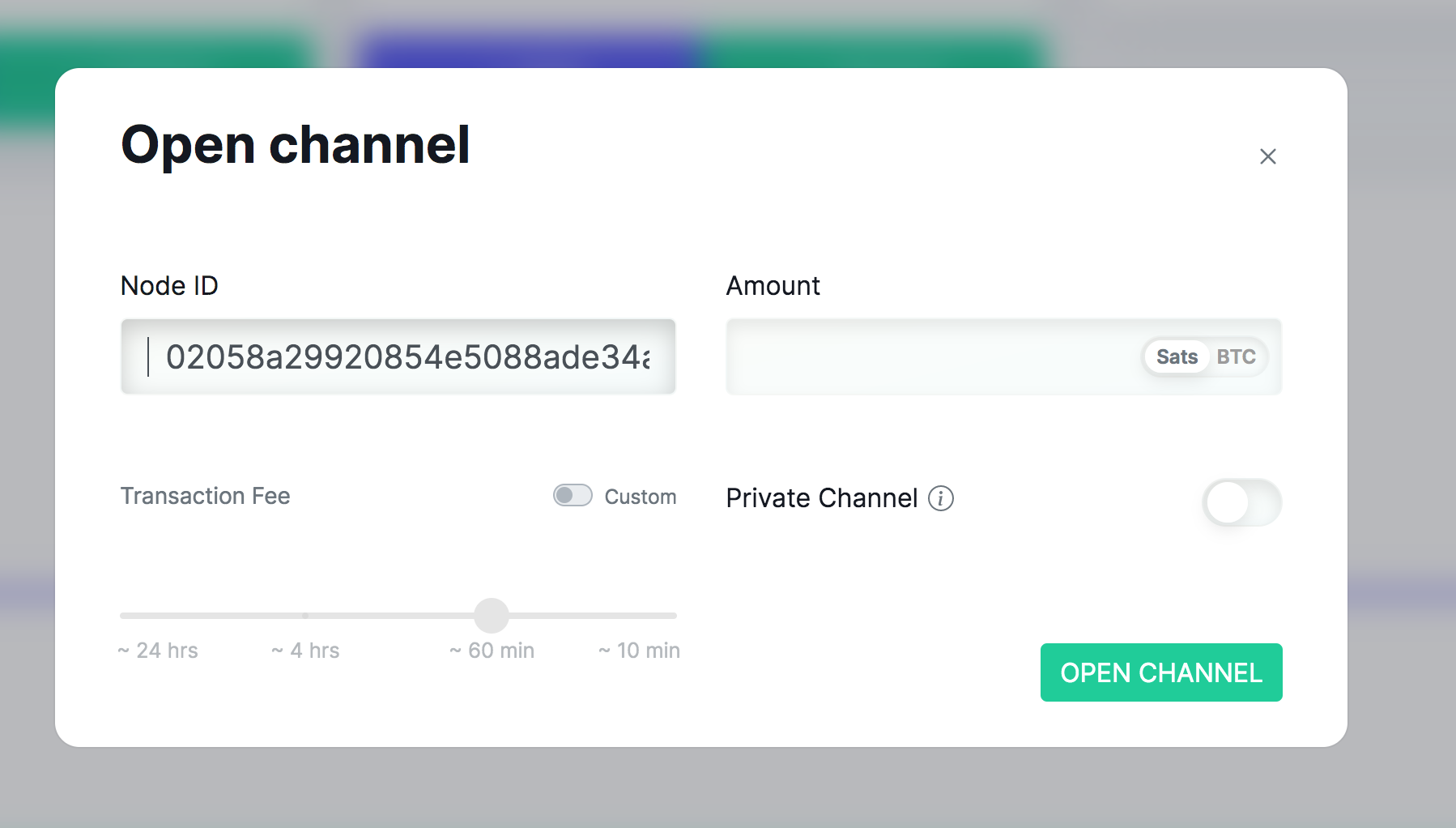
You can see that there are 2 blank characters in the Node ID field
LN+ Admin wrote over 1 year ago
Thank you! I will investigate.
LN+ Admin wrote 5 months ago
This was fixed. Can you confirm?
Friars-YYZ wrote 5 months ago
Yes, this one was fixed, but I found 2 more small issues which I will try to describe using the attached screen shots.
FIXED: If I click the COPY button of the TOR for manual channel opening, and then paste it into the open channel of LND
Enfironment: Running LN+ from umbrel (installed) using TOR
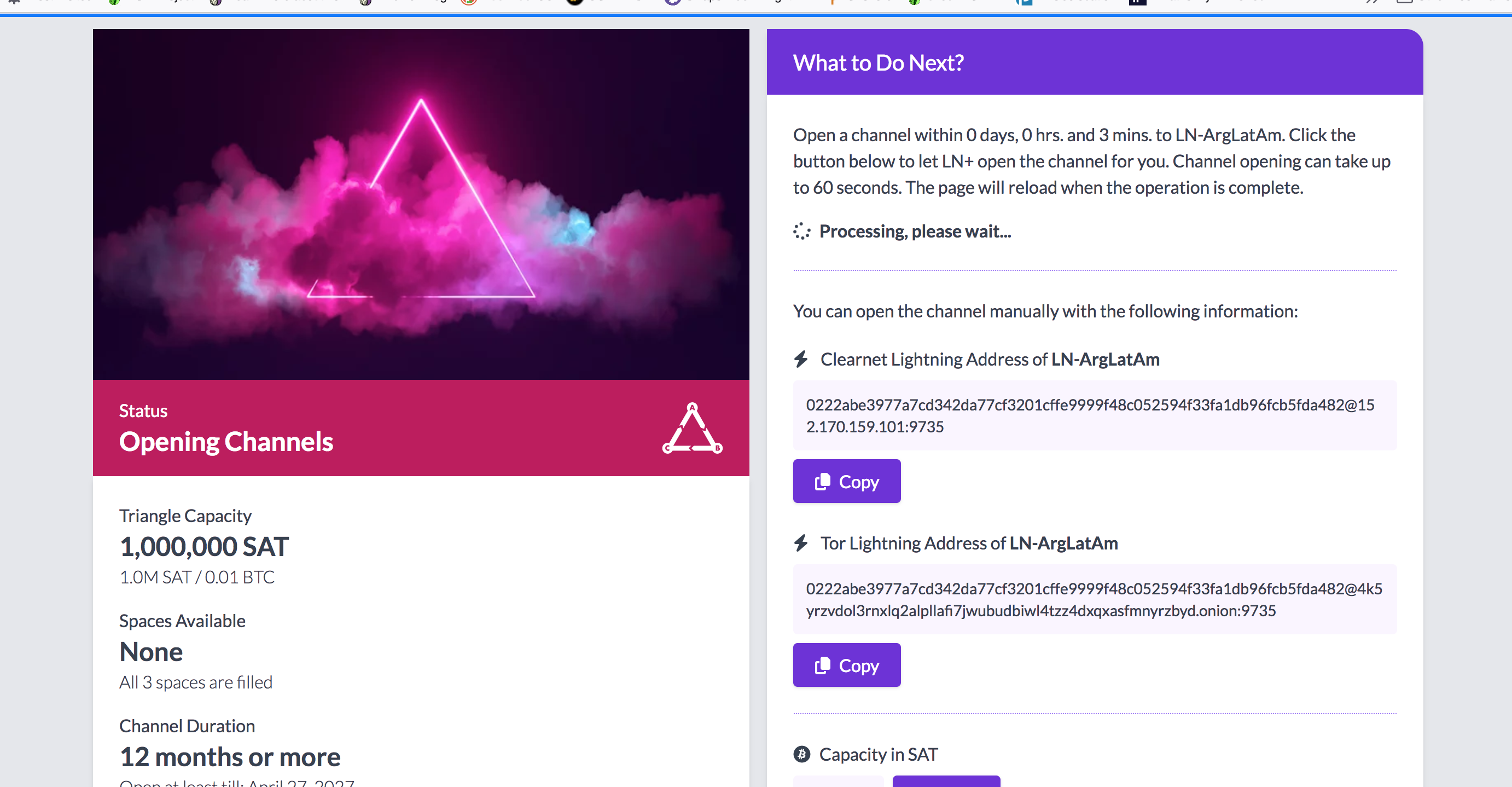
ISSUE #1: When I copy instead the TOR address from this screen shot into the open channel of LND, it prepends TWO blank spaces.
ISSUE #2: I click the "Open the channel for me" option in "What To Do Next" (instead of open channel manually). It seems to do some thinking, but it never comes back with success or error. My thought is that this button may attempt to open both clearnet and tor, while my node is TOR only.
FIXED: If I click the COPY button of the TOR for manual channel opening, and then paste it into the open channel of LND
Enfironment: Running LN+ from umbrel (installed) using TOR
ISSUE #1: When I copy instead the TOR address from this screen shot into the open channel of LND, it prepends TWO blank spaces.
ISSUE #2: I click the "Open the channel for me" option in "What To Do Next" (instead of open channel manually). It seems to do some thinking, but it never comes back with success or error. My thought is that this button may attempt to open both clearnet and tor, while my node is TOR only.
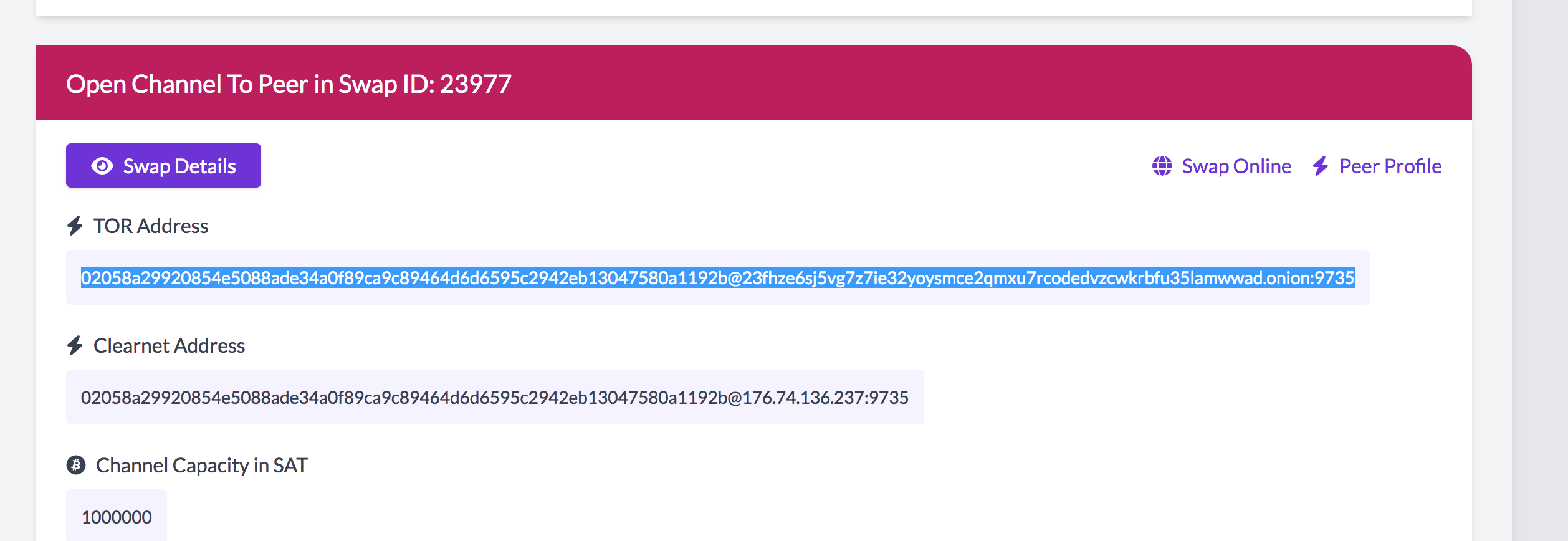
LN+ Admin wrote 5 months ago
Thank you again! I will fix these.
Please login to post comments.
LN+ Admin wrote over 1 year ago