
Walkthrough NFC Sticker and Buzzpay PoS
Posted over 1 year ago by AF_reload
In the case of Buzzpay, this platform facilitates the integration of payments in Bitcoin through the Lightning network, allowing users and merchants to accept payments more efficiently, with lower fees and much faster confirmation times compared to traditional transactions on the Bitcoin network. Additionally, Buzzpay focuses on improving the user experience and sats go directly to your node.
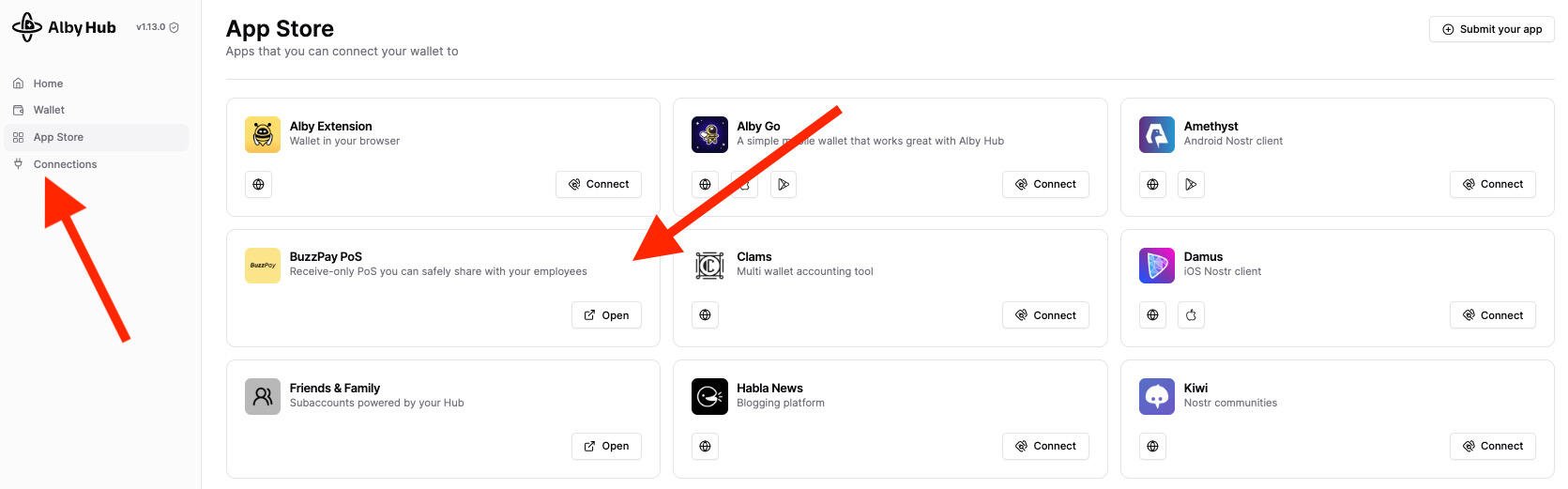
Prerequisites: Own a bitcoin node with open channels and liquidity. Start9 Umbrel Add Albyhub to the node. Within Albyhub>Buzzpay PoS> add a PoS name > a QR code and an https will appear with a link that you must save. https://image.nostr.build/a6dfe503d48a74589c60572ded541fd15fac0aca948777fd15f1e496427725ee.jpg
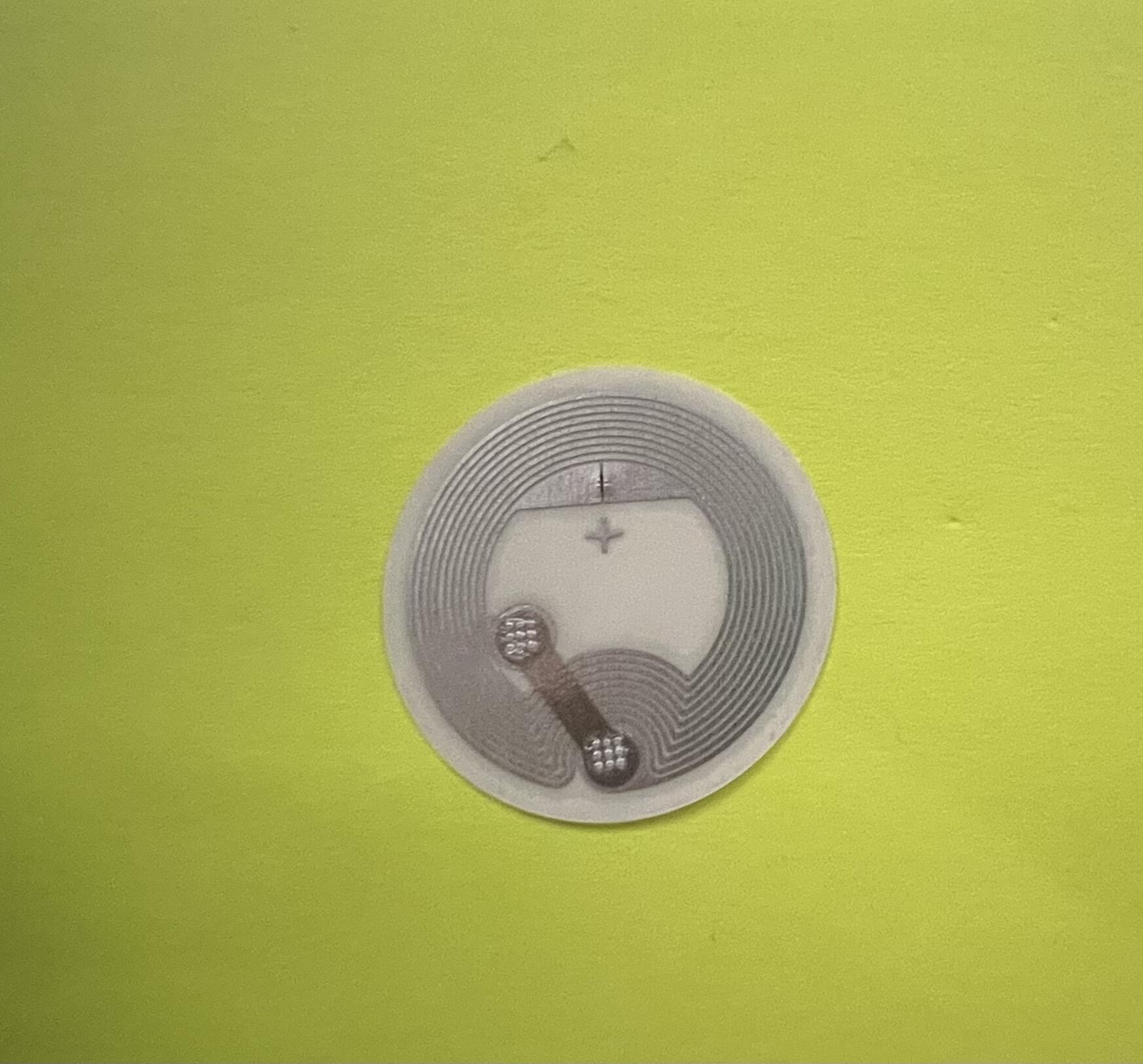
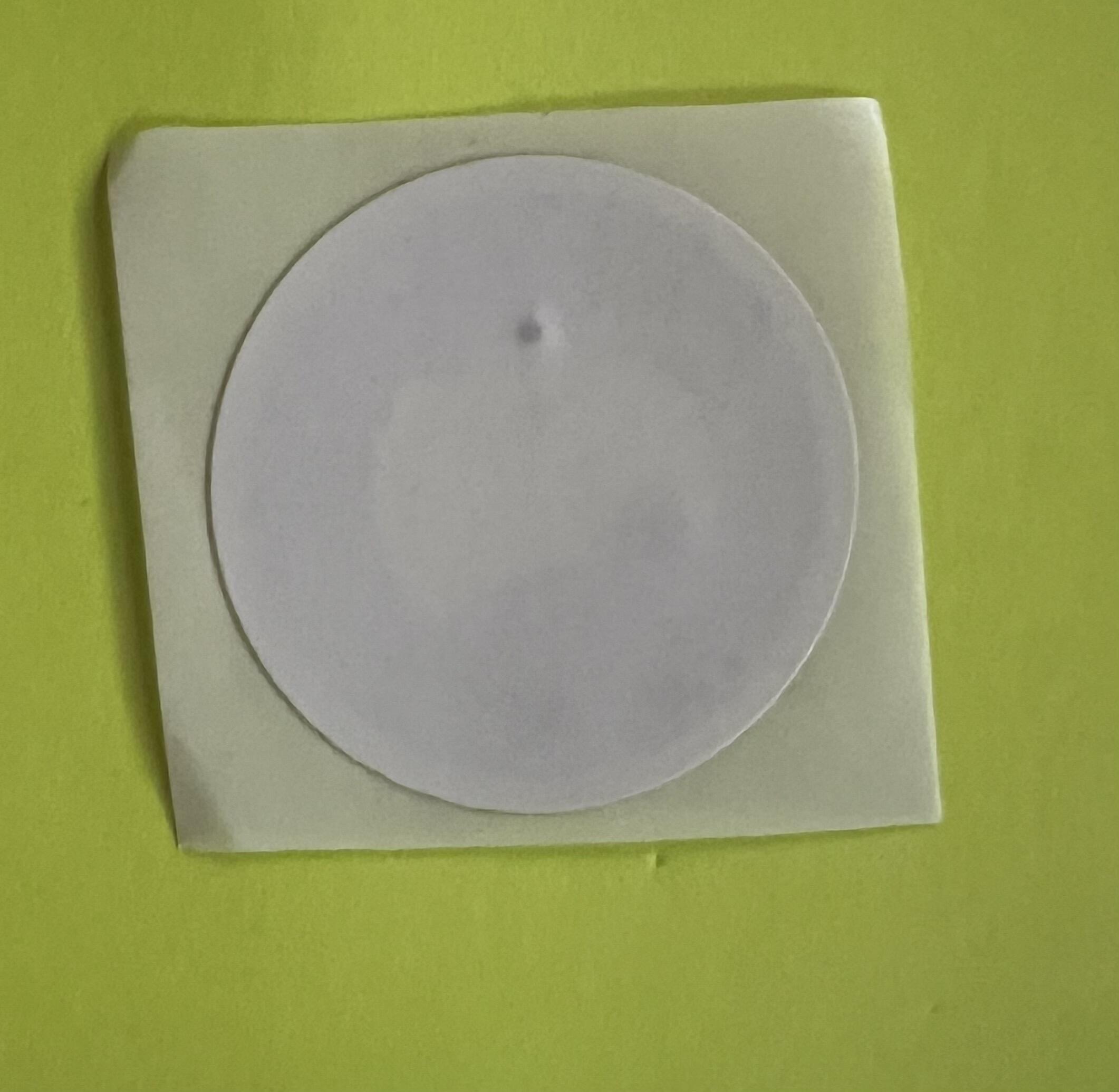
Have NFC sticker (I recommend 540 bytes), search on Amazon, Alibaba or Temu. https://image.nostr.build/66ccef195de4c8e9b915d6ee62d1e3f8856a5438160200a00d4069c7caeda4da.jpg https://image.nostr.build/1cfb47ea052e60f60add90d43cd1b70d28208188167a6cf90843cf594e088152.jpg Download the NFC tool application. Android IOS
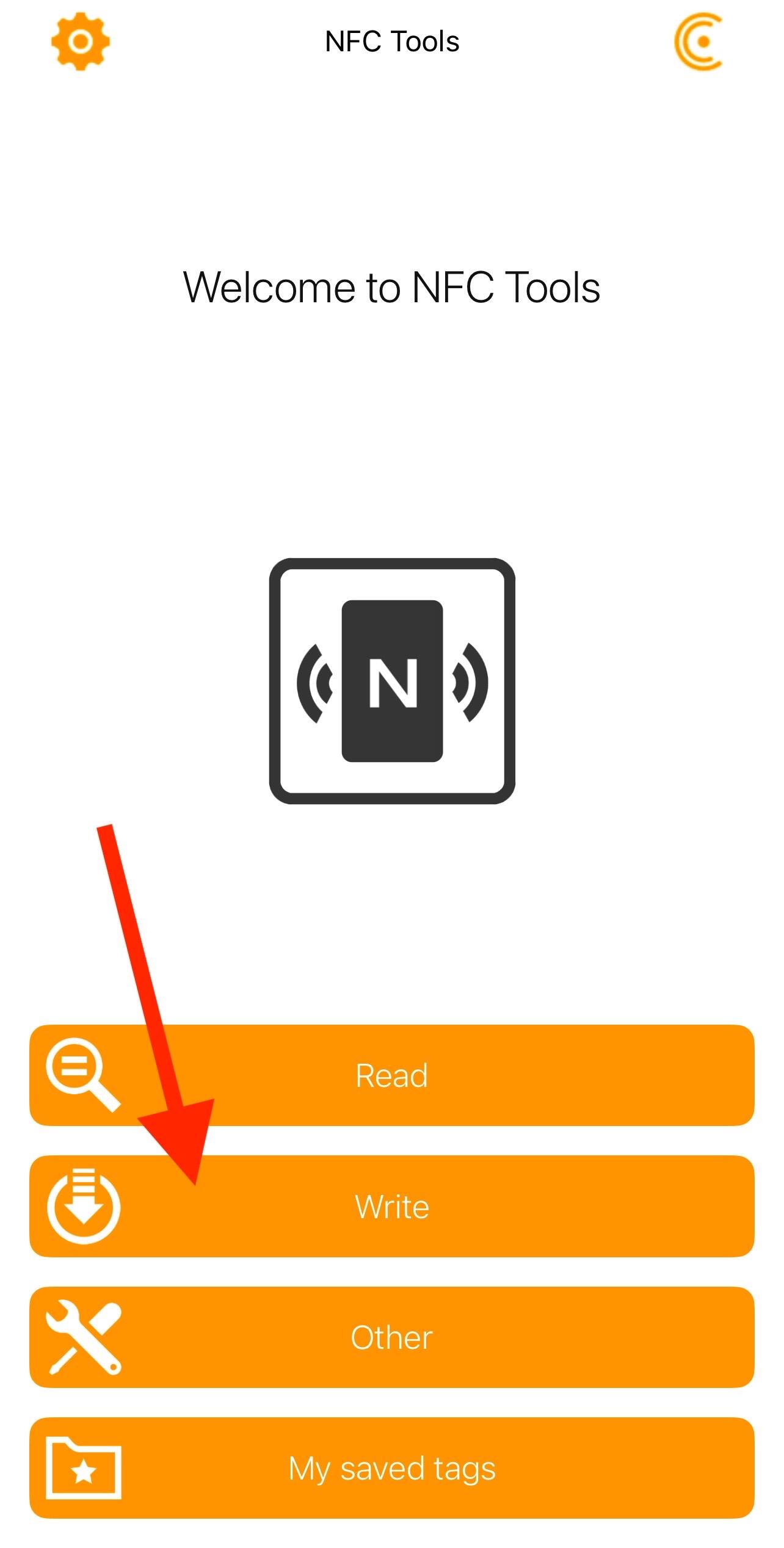
Steps: Obtain the Buzzpay https link (see prerequisites). Ve a NFC tools>Write>add a record> Custom URL/URI https://image.nostr.build/4839d43916ba59ac05a817edd344a3ab2997aa7e9d354fceae27e029a3874cf6.jpg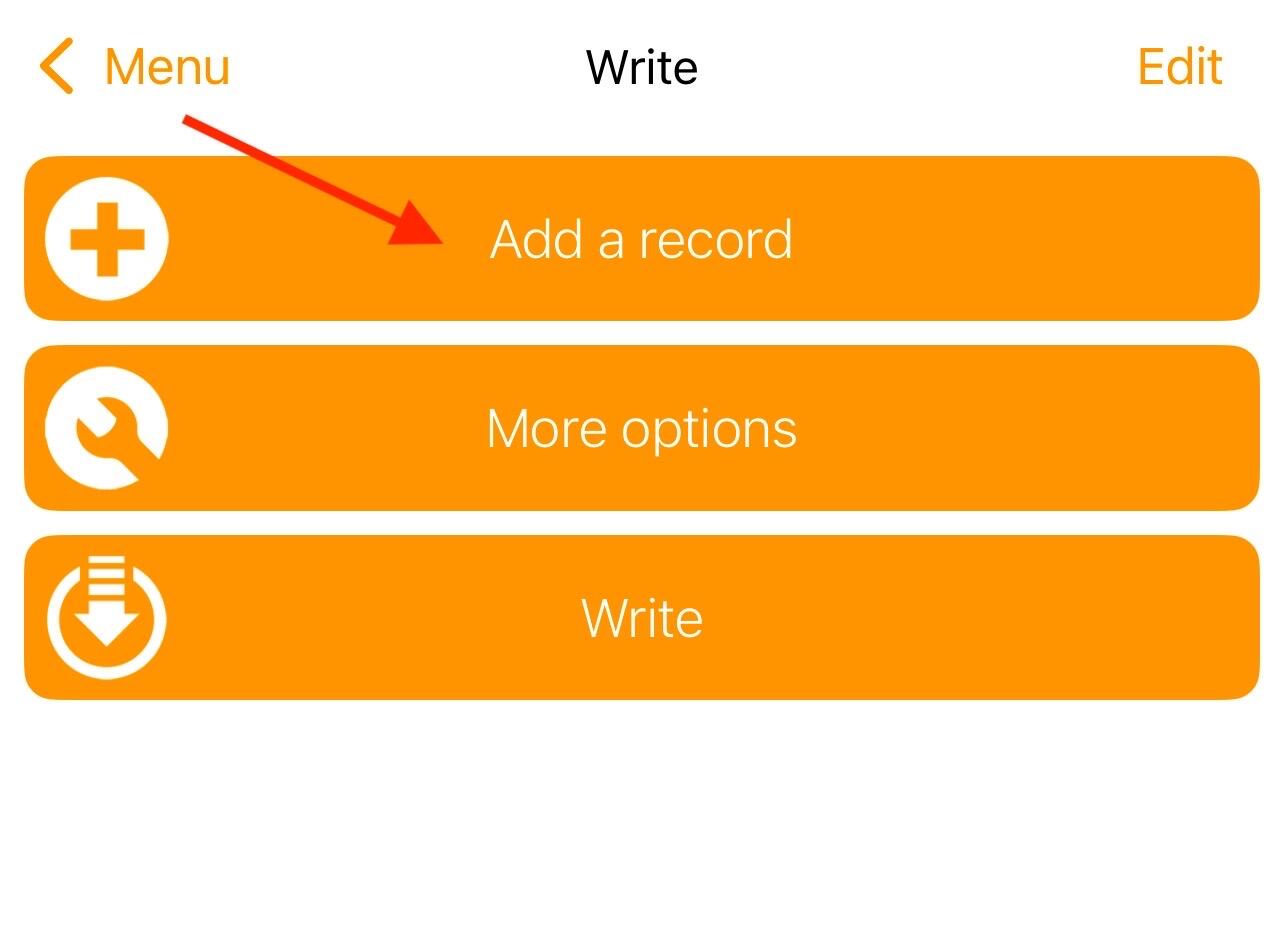
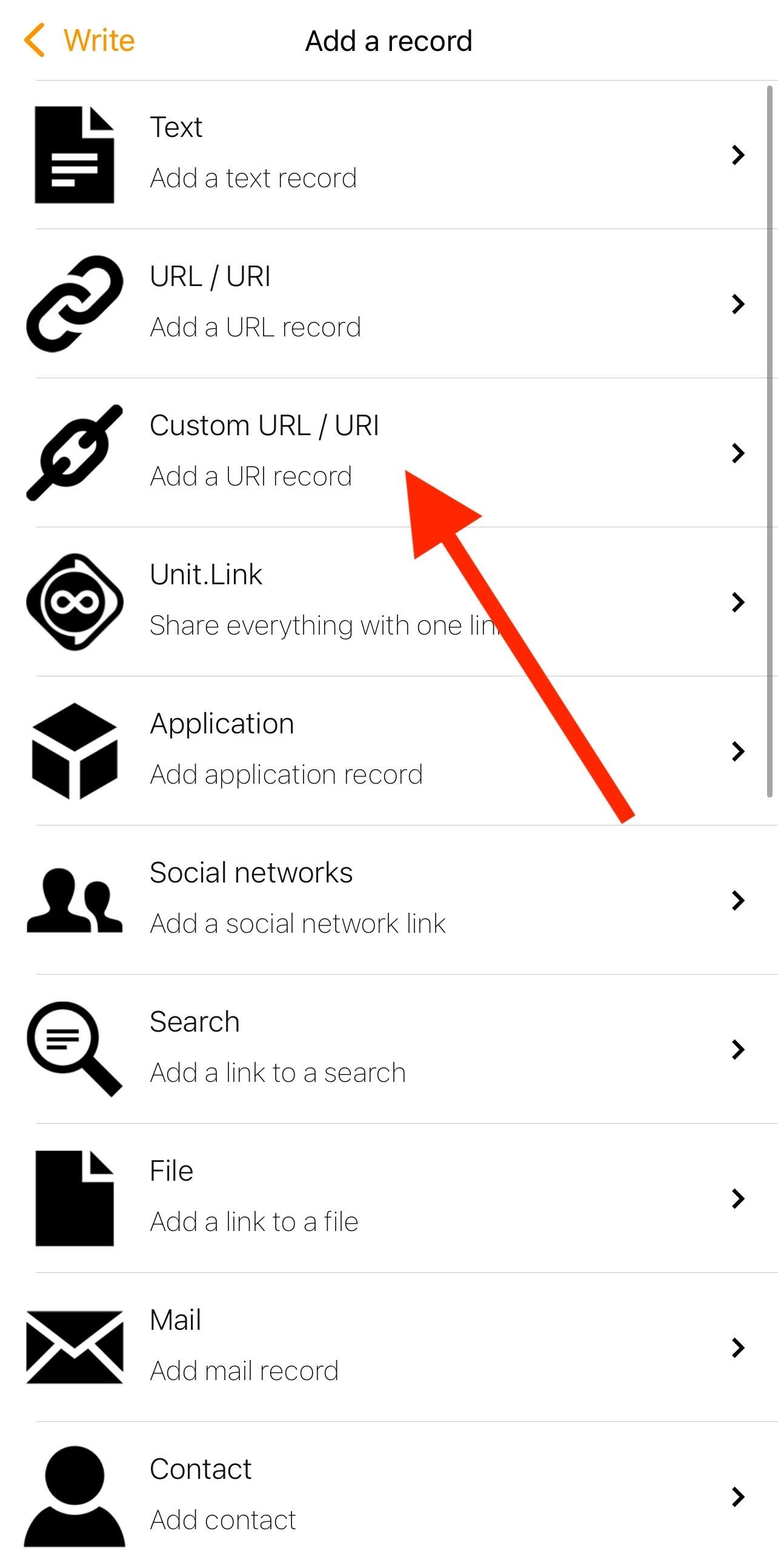
In custom URL/URI enter and copy the https address e.g. https://pos.albylabs.com/#?nwc=bm9zdHIrd2FsbGV0Y29ubmVjdDovLzIyZDM4NjQ2NmVkYTRiOTIwODVjN2I3ZDhiMTZhZjU4M2NhNmVlYjc2NTcwZGFmZjljOTFmZGZkMzI2MmE2Nzc/cmVsYXk9d3NzOi8vcmVsYXkuZ2V0YWxieS5jb20vdjEmc2VjcmV0PWVjYzdjMTEyZGI0ZjI5MWJkOTIwMjQzY2RmODEzNDQyNzA3ZTMzOTBiNTQ5NjllNTM5MjlhMDhkY2RjZGYzYzk=&name=PoS_NFC_tutorial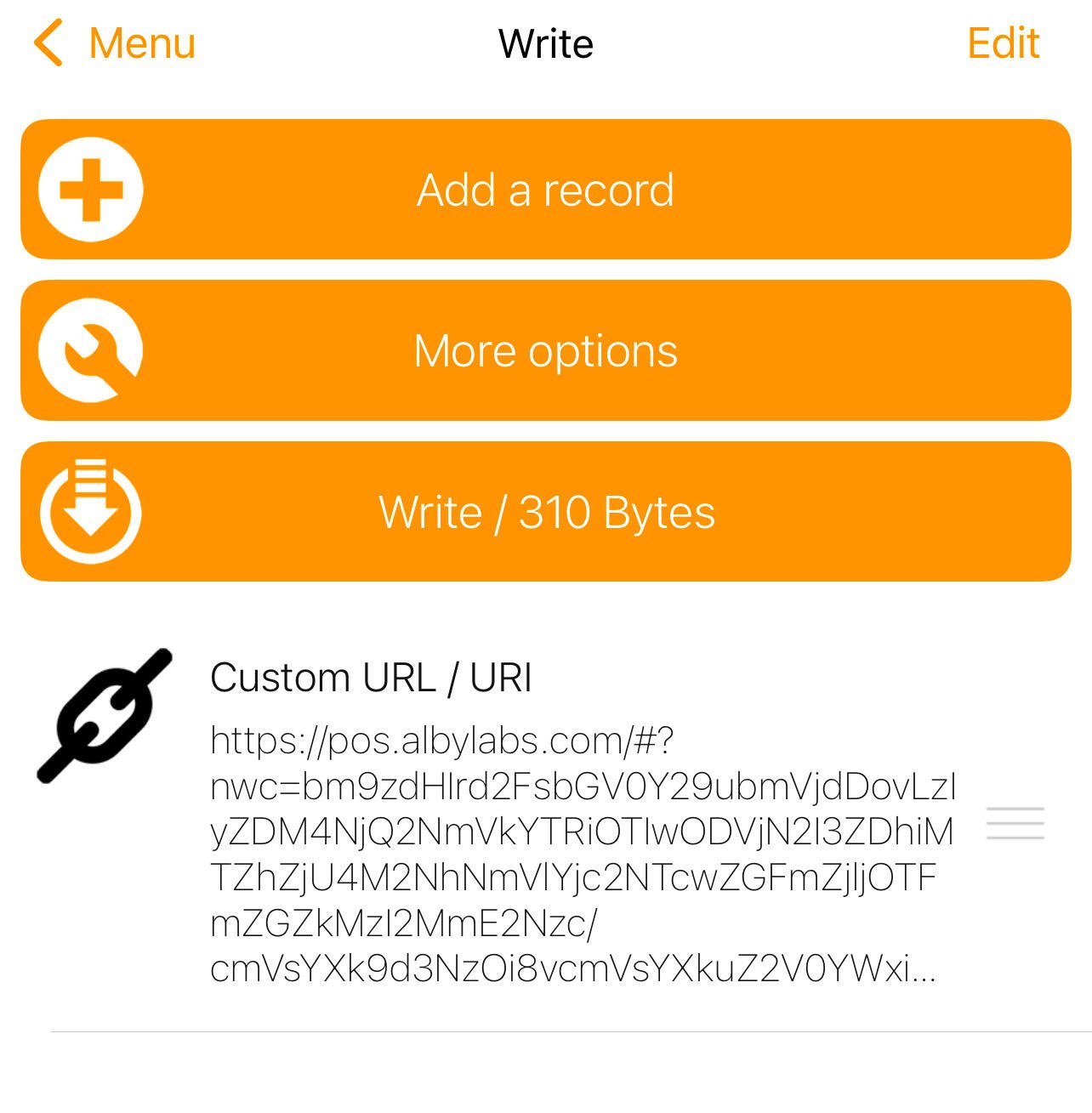
- Bring the NFC sticker closer and save the information
- Check the saved information by bringing the NFC sticker closer, a notification should appear (see image) that redirects you to the browser and you can now use your personal PoS whose sats go directly to your node.
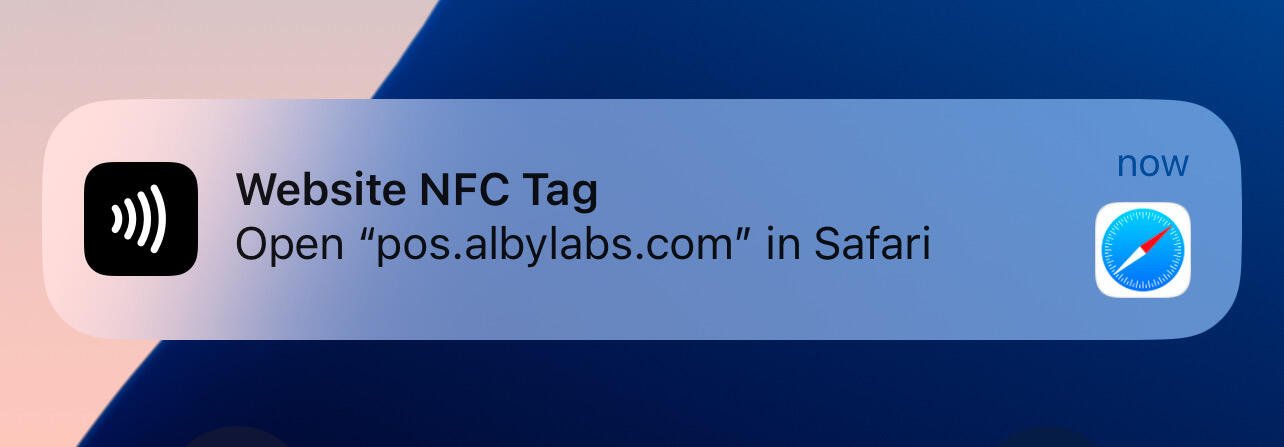
Now if you want to receive a payment, you just have to bring your cell phone close to your NFC sticker.
These tools combine innovation and security, positioning themselves as practical solutions to improve interaction and asset management in the Bitcoin ecosystem.
**Not your keys, Not your coins**.
Articfox@getalby.com
Articfox@getalby.com
0 Comments
Please login to post comments.

Latest news

How to create a Ln account connected to your node using Bluewallet and Tailscale.
Posted 11 months ago
Cove Wallet + Tailscale (connect to your own node)
Posted over 1 year ago

Umbrel + Albyhub + Alby Go Accounts
Posted over 1 year ago

Compound Annual Growth Rate (CAGR) Bitcoin
Posted over 1 year ago

Walkthrough NFC Sticker + Watch-Only (Zpub) Bitcoin
Posted over 1 year ago